

Reading files in C++ might not sound as thrilling as a roller coaster ride, but it’s the backbone of many software applications. Imagine trying to bake a cake without a recipe—chaos, right? That’s what coding feels like without the ability to read files. Whether it’s pulling in configuration settings or munching on data for analysis, mastering file reading can elevate a programmer from novice to ninja in no time.
Understanding File Handling in C++
File handling in C++ involves reading from and writing to files using appropriate libraries, primarily the fstream library. This library supports functionalities necessary for file input and output operations.
C++ defines three primary file streams: ifstream for input files, ofstream for output files, and fstream for both input and output. These streams play crucial roles in managing file operations effectively.
Reading a file requires opening it in read mode. The following example demonstrates how to open and read a file:
#include <iostream>
#include <fstream>
#include <string>


int main() {

std::ifstream inputFile("example.txt");

std::string line;


if (inputFile.is_open()) {

while (getline(inputFile, line)) {

std::cout << line << std::endl;

}

inputFile.close();

} else {

std::cerr << "Unable to open file." << std::endl;

}


return 0;

}
The example highlights a simple method to read lines from a text file. Here, the program checks if the file opens successfully before reading. Each line is then printed to the console until the end of the file is reached.
Error checking plays an important role in file handling. It’s essential to verify whether files open correctly. When a file fails to open, notifying users ensures they understand what went wrong.
Using file streams effectively improves data handling capabilities. Programmers access configuration data, log files, and user inputs, fostering enhanced application functionality. Familiarity with these operations elevates programmers’ skills, paving the way towards expert-level proficiency.
Types of Files in C++
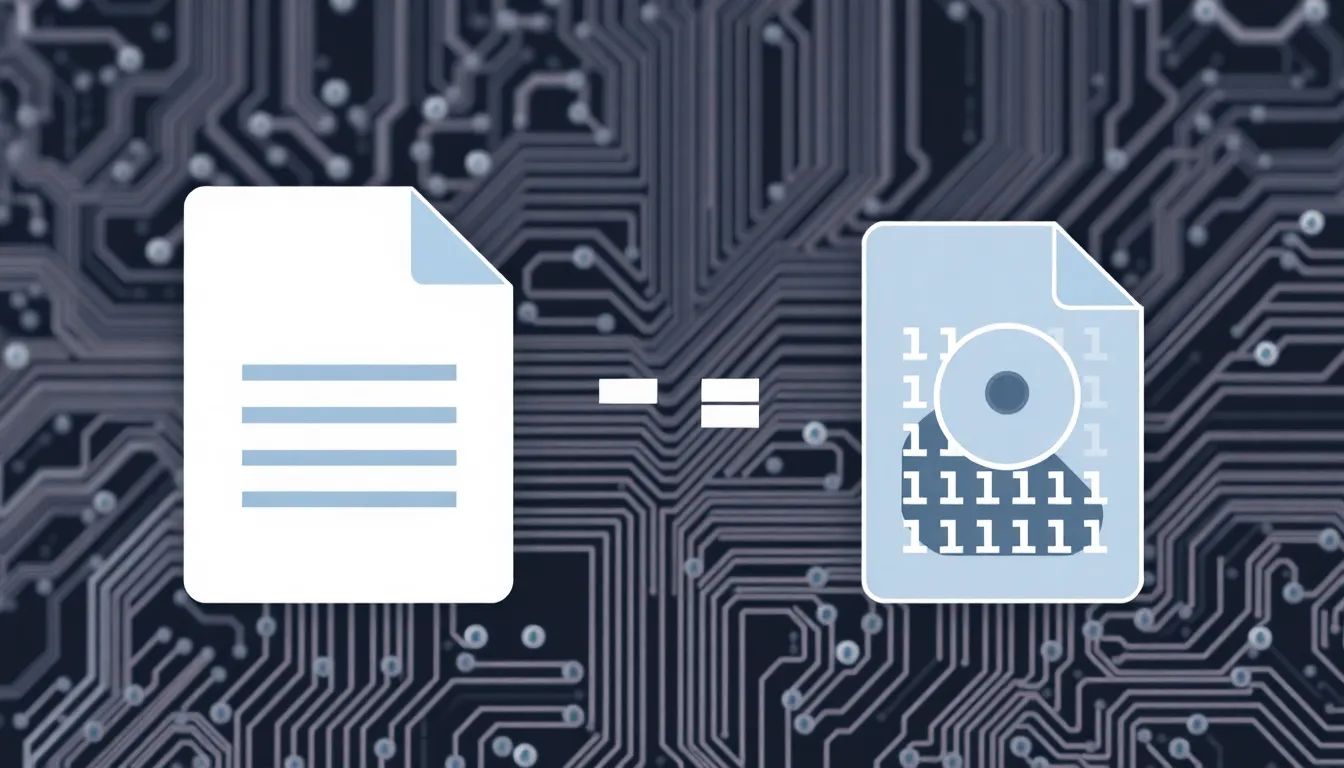
Understanding the types of files in C++ enhances file handling skills. C++ primarily deals with two file types: text files and binary files.
Text Files
Text files store data in plain text using standard character encoding. Programmers typically use text files for simple data storage, such as CSV or TXT files. Each line represents a record, with values separated by delimiters like commas or spaces. Reading and writing operations involve basic functions, making them accessible for beginners. They allow human readability, simplifying debugging and verification of data. Input/output operations, such as getline and operator>>, are commonly employed to handle text files efficiently. Developers often prefer text files for logging information or configuration settings due to their straightforward format.
Binary Files
Binary files differ significantly by storing data in a format specific to the application’s requirements. They can include images, audio, and custom data structures, offering more storage efficiency compared to text files. Binary files save space and improve performance during read/write cycles. Accessing file data usually involves reading fixed-size structures, requiring specific knowledge of the data layout. Pointers and the ifstream and ofstream classes facilitate manipulation of binary files. Programs often benefit from binary files when handling large or complex datasets, as the structures allow for faster processing and reduced memory usage.
How to Read Files in C++
Reading files in C++ involves utilizing the fstream library, which provides essential functionality for effective file handling. By mastering file reading, developers enhance their ability to manage data within applications.
Using ifstream
Using ifstream, programmers access files designed for input operations. This stream class simplifies reading data from files by allowing the reading process to be straightforward. To open a file, a programmer creates an instance of ifstream, passing the file name as an argument. Error checking follows to ensure the file opens successfully. If the file can’t be opened, an error message signals the issue, preventing crashes. Developers commonly use ifstream for reading text files, ensuring easy data retrieval for various applications.
Reading Line by Line
Reading data line by line enhances management and processing efficiency. Developers commonly utilize the getline function for this purpose, which reads a whole line from the input stream into a string variable. This function continues until it reaches the end of the file, allowing programmers to process each line individually. They can use a loop to read all lines within the file, executing specific actions based on each line’s content. This technique allows for efficient data processing and simplifies handling large datasets in a manageable manner.
Error Handling While Reading Files
Error handling in C++ when reading files is crucial to developing robust applications. During file operations, several issues can arise, such as files not existing or lacking appropriate permissions. Handling those errors gracefully can prevent crashes and undesirable behavior.
Using the ifstream class, programmers can determine whether a file opens successfully. After attempting to open a file, they should employ the is_open() function to check the file’s status. If the function returns false, an error message can be displayed, informing users about the issue.
ifstream file("example.txt");

if (!file.is_open()) {

cerr << "Error: Could not open the file." << endl;

return 1;

}
Checking for reading errors during the file operation is equally important. The good(), eof(), and fail() functions help to track the state of the file stream. These functions return specific values that indicate whether reading was successful or if end-of-file and other input errors were encountered.
string line;

while (getline(file, line)) {

// Process the line

}

if (file.bad()) {

cerr << "Error: Failed to read the file." << endl;

}
It’s advisable to handle exceptions using the try and catch blocks. This approach allows programmers to catch specific exceptions raised during file operations, such as ifstream::failure. This method enables graceful error reporting, ensuring users receive helpful feedback.
try {

ifstream file("example.txt");

file.exceptions(ifstream::failbit

|


 ifstream::badbit);


file.open("example.txt");

// File processing code

} catch (ifstream::failure &e) {

cerr << "Exception opening/reading file: " << e.what() << endl;

}
Implementing these error handling techniques ensures the application can manage unexpected situations effectively. Prioritizing clear user communication during file reading enhances overall program stability.
Mastering file reading in C++ is a vital skill for any programmer. It opens the door to efficient data management and enhances application functionality. By understanding the nuances of file streams and error handling, developers can build robust applications that gracefully manage unexpected situations.
The knowledge gained from handling both text and binary files equips programmers to tackle a variety of real-world challenges. As they continue to practice these techniques, they’ll find themselves advancing toward expert-level proficiency. Embracing these concepts not only improves individual projects but also fosters a deeper understanding of C++ as a whole.